Skip to content

An AI-native product company

WordPress products. Less friction.

We build tools around the work you want to finish. Thoughtful architecture, familiar workflows and a clear direction for AI assistance. Start today with motion builders that work on the content you already have.

Choose your editor

Two motion builders. Your existing workflow.

Create real GSAP timelines, keep them as reusable presets and apply them to your existing content. Choose the product built for your editor.

WordPress block editor

Gutenberg Motion

A visual GSAP motion builder for the WordPress block editor. Animate a heading, a list item, a button or the blocks inside a Group. Open the motion controls from the selected block, choose what moves and preview it while you edit.

  • Existing WordPress blocks and content within patterns
  • Text targeting and direct-child sequencing
  • Editable presets and visual timelines
Gutenberg MotionYour motion library
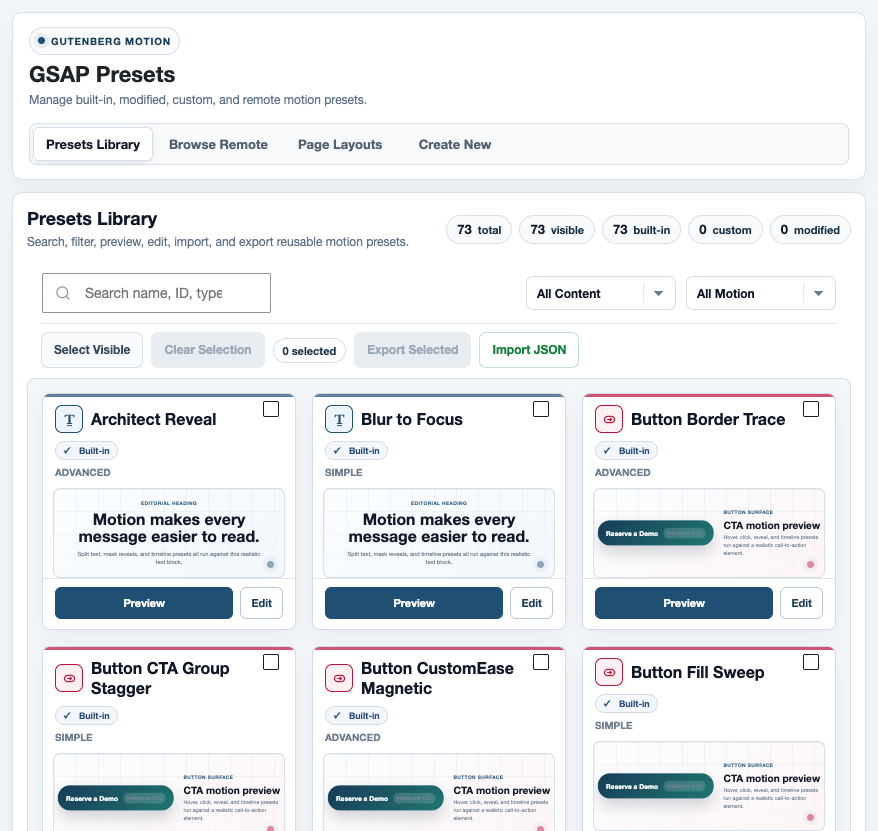
Gutenberg Motion: presets you can preview, edit and apply to compatible content.
Elementor 4 editor

Elementor Motion

A visual GSAP motion builder for Elementor 4. Animate supported widget content or a container and its children. Keep your Elementor layout and styling, then choose a preset, set its trigger and preview the motion in the editor.

  • Existing Elementor 4 widgets and containers
  • Contextual controls for supported content fields
  • Editable presets and visual timelines
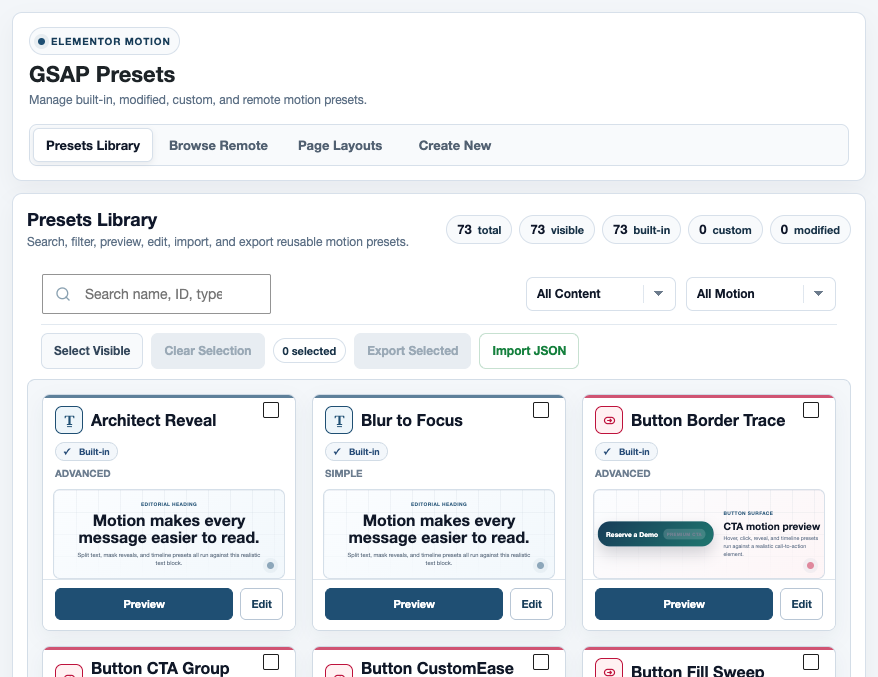
Elementor MotionYour motion library
Elementor Motion: presets you can preview, edit and apply to compatible content.

How motion works

Create the motion once and choose where it belongs

A preset defines the animation: what changes, how long it takes and how the movement feels. Its assignment determines which content moves and when the animation runs.

That means a heading can appear as the page opens, while another uses the same preset when it enters view. You don't need to recreate the animation for each placement.

From the preset libraryArchitect RevealA reusable text timeline.

Introduce a headline

Animate the full heading, or bring in its lines, words or characters in sequence.

Give an action a response

Apply a compatible button preset to a hover or focus interaction.

Bring a group into view

Animate the existing items inside a supported layout container, one after another.

Four foundations. One purpose.

The work matters.
The friction doesn't.

Good software should take responsibility for the difficult parts. These principles guide what we build, how it works and how we support it.

Talk to the people building it ↗
01 / Architecture

Solve the problem at its core.

We start with how the whole system should work, not another feature bolted onto it. In our motion builders, you create the animation once, then choose where and when to use it.

More capability. Fewer workarounds.
02 / Familiarity

Start where you already work.

Your blocks, widgets and content stay in place. Relevant controls appear in the editor you know, with useful defaults and ready-to-use starting points.

Less setup between an idea and its result.
03 / AI assistance

Help that moves the work forward.

We're developing AI to create motion presets and help apply motion to existing pages. The goal is a useful, editable result inside your workflow, not another tool to manage.

In development. Not yet included in the motion builders.
04 / Dependability

Care beyond the first click.

Security and performance are part of the product work, not finishing touches. When something gets in your way, our support team focuses on understanding it and helping you move forward.

Responsible engineering. Responsive human support.

A head start, included

Start with motion and layouts you can make your own

Each builder gives you access to 251 editable presets and 20 complete page layouts. Use a starting point, inspect how it works and adapt it to your project.

Motion presets

Find motion for text, buttons, images and layouts. Edit an existing preset or create your own Simple Motion, Staged Motion or Advanced Timeline.

The collection currently includes 73 built-in presets and 178 additional presets you can browse, preview and import into your library.

Complete page layouts

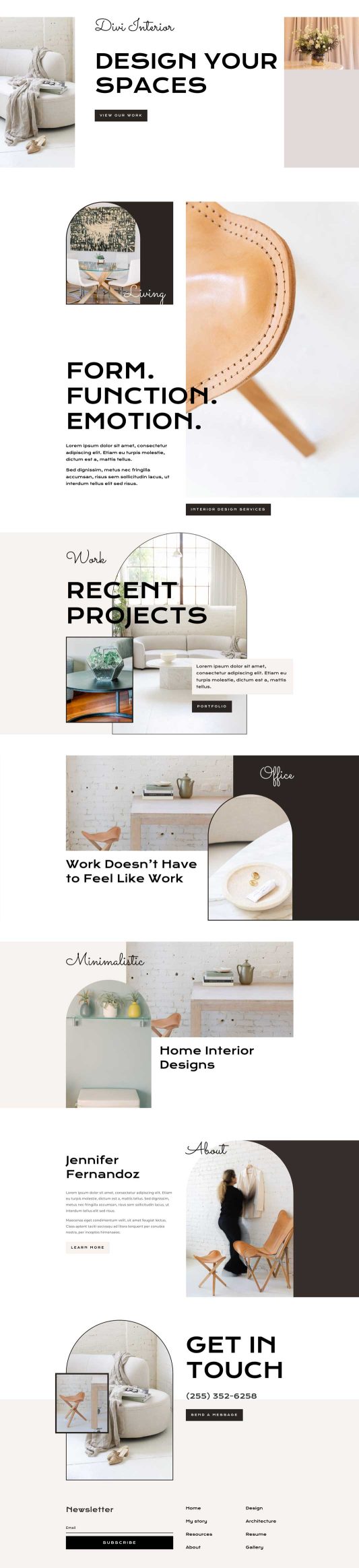
Import a page built for your editor, together with the motion presets it needs. Then edit the content and inspect its assignments in the native editor.

Try the workflow for yourself

Use the actual editor before you choose

Open a private, one-hour workspace with a motion-ready page. Change its content, select a preset and preview the result. No installation on your own website is needed.

Your assigned page is editable. Shared presets and site settings stay read-only in the trial.

Motion preset

Preset preview